

For many first-time visitors, Naver Map is a practical starting point for getting around Korea, while KakaoMap can be useful as a secondary option for local searches and route checks. Naver Map supports English, route guidance, public transit information, saved places, and place searches, which can make it a practical choice for English-speaking visitors.
KakaoMap is also useful for route checks, restaurants, bus stops, and local place information. For common travel situations such as airport transfers, subway routes, and finding the correct station exit, Naver Map can be a practical first app for international visitors.
Quick Answer
Use Naver Map as your main Korea travel map if you want a multilingual interface and an easy way to check public transportation, walking routes, station exits, and saved places. Keep KakaoMap as a secondary option when you want to compare routes, bus stops, restaurants, or local place information.
Google Maps can still be useful for general place searches and orientation, but travelers in Korea can benefit from having at least one Korean map app installed.
Why Korea Feels Different From Other Map App Countries
Many travelers arrive in Korea expecting the same map routine they use in other countries. Korea also has widely used local map services such as Naver Map and KakaoMap, which provide detailed local place information and route-planning features.
These tools can be especially useful when checking public transportation, subway exits, bus stops, restaurants, and Korean addresses. Around large stations such as Seoul Station, Hongik University Station, or Gangnam Station, choosing the correct exit can make a noticeable difference to the final walking route.
The Korea Tourism Organization’s Helpful Apps & Resources guide describes NAVER Maps as a widely used Korean map service with route suggestions, estimated travel times, business information, reviews, and a bookmark feature. It also supports English and several other languages.
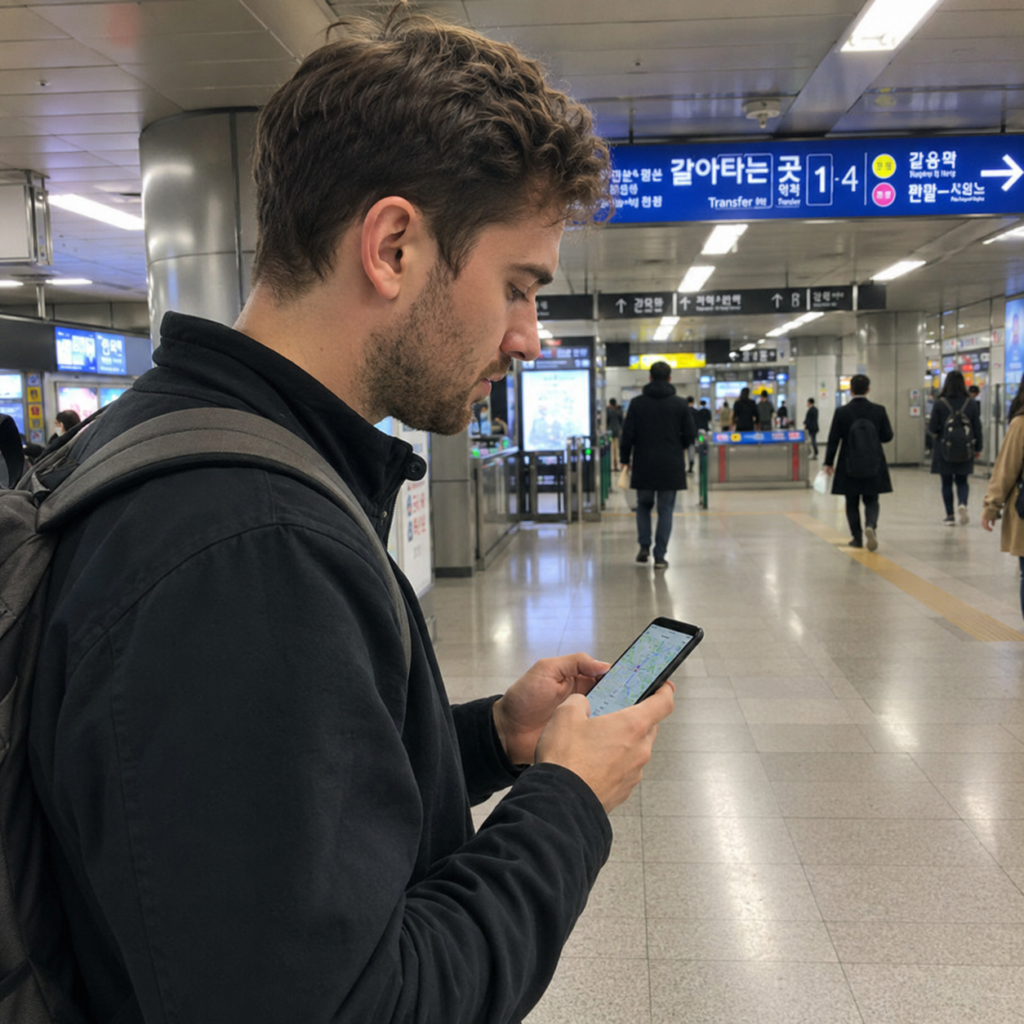
Naver Map can be a convenient first app for international visitors because its current service supports English and provides route information for public transportation, walking, driving, and other travel modes.
It is useful for checking major attractions, hotels, subway stations, restaurants, and neighborhoods before you start moving. Saving places in advance can also make a multi-stop travel day easier to manage.
For example, a trip between a subway station and an attraction may involve more than following a straight line. You may need to choose the correct exit, find a nearby bus stop, or compare walking and public transportation options.
- Subway and bus routes: Check route options, transfers, station exits, bus numbers, and estimated travel times.
- English support: The current NAVER Maps service supports English along with other languages.
- Saved places: Create lists for neighborhoods, attractions, cafes, restaurants, and hotels.
- Place information: Listings may include business hours, reviews, photos, menus, and related links when available.
Always treat business hours and restaurant details as information that can change. When a meal, reservation, or closing time is important, check the latest listing or the business’s official channel before making a long trip across the city.
Where KakaoMap Can Be Useful
KakaoMap is useful as a second map app when you want another route or place result to compare. Kakao’s official service supports routes for public transportation, driving, walking, and cycling in South Korea.
The app can also be helpful when checking restaurants, bus stops, nearby streets, or an unfamiliar destination. If one app gives a result that looks unclear, comparing the Korean place name, address, and map pin in the other app can help you confirm that you have the correct location.
You can review Kakao’s current navigation features on the official KakaoMap service page.
When to Check KakaoMap
- You want to compare a public transportation or walking route.
- You are checking a local restaurant or cafe by its Korean name.
- You want a second look at a bus stop or nearby street.
- The destination is inside a large mall, terminal, university, hospital, or complex.
- The map result in your first app does not clearly match the address or neighborhood.
| Travel situation | Practical choice | What to check |
|---|---|---|
| First trip to Korea | Naver Map | Multilingual support, public transportation, saved places, and general route planning |
| Subway and bus planning | Either app | Route, direction, transfer, station exit, and stop name |
| Small local restaurant | Use both if needed | Korean name, branch, address, and current business details |
| Bus stop location | Compare if unclear | Direction of travel and the correct side of the road |
| Saving a daily itinerary | Naver Map | Saved places and route planning between stops |
Use the Korean Place Name When Search Results Are Unclear
English searches work for many well-known hotels, attractions, stations, and restaurants, but smaller businesses may be easier to identify by their Korean name or road address.
Before leaving your hotel, save the Korean name of an important destination along with the address and nearest subway station. This is especially useful in neighborhoods with small side streets, upstairs businesses, basement entrances, or several branches of the same brand.
When a result looks suspicious, compare the Korean name, neighborhood, address, and nearest station before you start walking. This can prevent a simple spelling difference from sending you to the wrong branch.
Public Transportation: Check the Route Before You Move
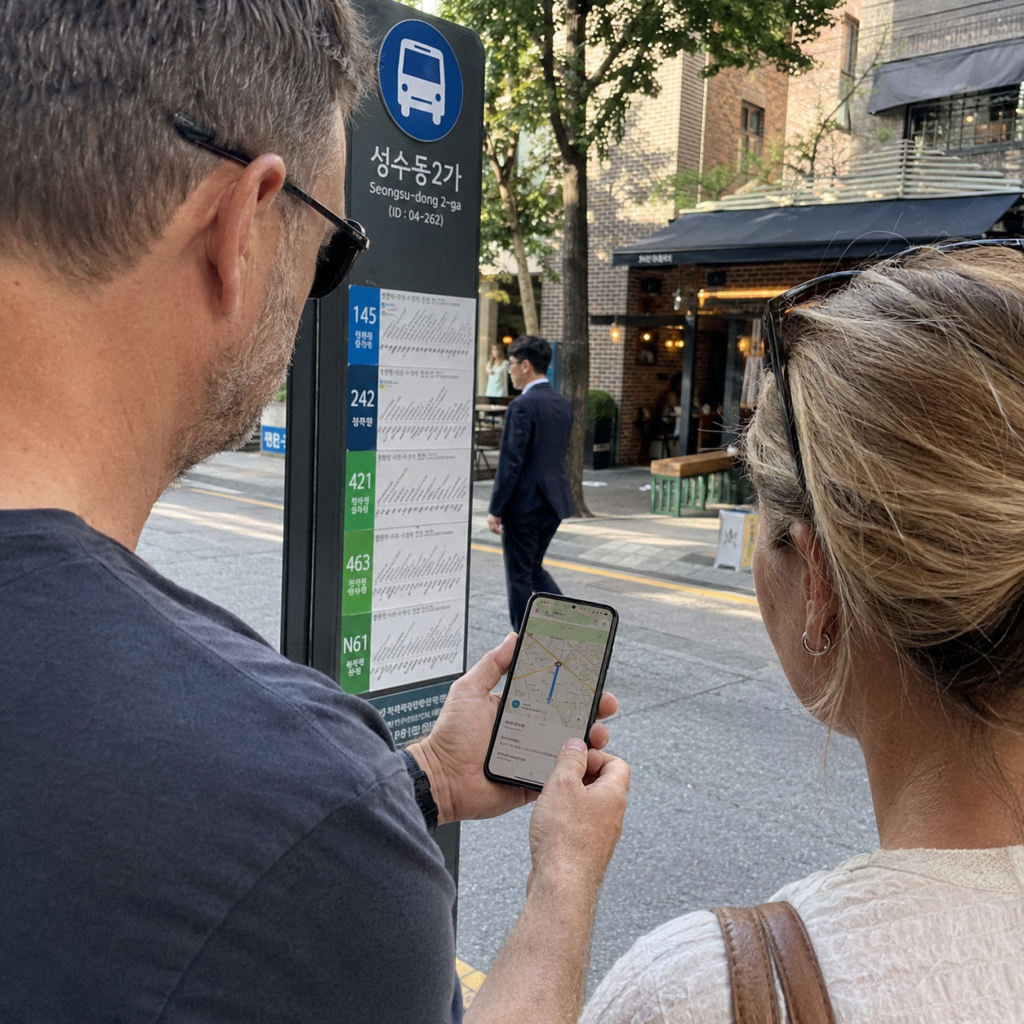
For subway and bus travel, use the map app to check the route before you reach the platform or bus stop. Pay attention to the direction of travel, station exit, bus number, and stop name rather than looking only at the estimated travel time.
If you are using Seoul subways and buses, it also helps to understand the transportation card system before your first ride. Our guide to using a T-money card in Seoul explains when to tap, how bus exit taps work, and what to do when the card reader does not respond.
Bus stops can be more confusing because stops with similar names may be located on opposite sides of the road. Before boarding, confirm both the route number and direction. If you are unsure why a bus passed your stop, see our guide to signaling and boarding a bus in Korea.
Restaurants, Cafes, and Business Hours
Map apps are useful for finding restaurants and cafes, but a listing should not be treated as a permanent guarantee of opening hours, menu availability, or reservation rules.
Check recent business information, break times, last-order notices, and whether the destination is inside a department store, mall, basement, or upper floor. If the restaurant has several branches, confirm the exact address before making a reservation.
Some restaurants and other businesses can also be booked directly through NAVER. Foreign visitors can use eligible NAVER Booking services without a Korean phone number through NAVER’s passport-based verification route. See our guide to making a Naver reservation without a Korean phone number for Passport Verification, foreign-card payment, and booking confirmation details.
For restaurants that use an online booking or waitlist system, our CATCHTABLE guide for Seoul restaurant reservations explains how to check the branch, reservation time, deposit, cancellation policy, and supported waitlists.
Set Up Your Phone Before You Arrive
Install your main map app before your flight and open it at least once while you still have a reliable connection. If you plan to use KakaoMap as a backup, install that as well.
Save your hotel, nearest station, airport route, and several important destinations before arrival. Having those places ready can make the first trip from the airport much simpler.
If you are still preparing for the trip, review our South Korea travel requirements and arrival guide for entry paperwork, travel apps, and transportation planning.
Reliable mobile data also makes map apps easier to use once you leave the airport. Our eSIM vs physical SIM vs roaming guide compares the main connectivity options for a short Korea trip.
A Simple Map Routine
- Search the destination in your main map app.
- Confirm the Korean name, neighborhood, and address.
- Check the public transportation or walking route.
- Save the place if you will visit it later.
- Compare KakaoMap if the pin, stop, entrance, or route looks unclear.
- Check current business information when timing matters.
Which App Should You Use?
For many first-time international visitors, Naver Map is a practical app to learn first because it currently supports multiple languages and provides route planning, place information, and saved locations. KakaoMap is useful as a secondary option when you want to compare a route, bus stop, restaurant, or local place result.
You do not need to choose one app for every situation. A simple setup is to use Naver Map for everyday navigation and keep KakaoMap available when a location or route needs a second check.
The most useful habit is not app loyalty. It is confirming the Korean place name, correct branch, station exit, and direction before you start moving.
Frequently Asked Questions
Can I use Google Maps in Korea?
Yes. Google Maps can still be useful for general place searches and orientation. For local transportation and place information, many travelers also use Korean map services such as Naver Map or KakaoMap.
No. Many trips can be managed with one main map app. Keeping both installed can be useful when you want to compare a route, bus stop, restaurant, Korean address, or building entrance.
Yes. Current Korea Tourism Organization information lists English among the supported languages for NAVER Maps.
Can KakaoMap show public transportation routes?
Yes. Kakao’s official service page states that KakaoMap provides route options for public transportation, driving, walking, and cycling in South Korea.
Should I search in English or Korean?
Start with English when it works, but save the Korean name or address for important destinations. Korean text can help when a business has several branches or when the English spelling does not match the current listing.
Final Takeaway
Naver Map is a practical starting point for many first-time visitors to Korea, while KakaoMap is a useful secondary tool for cross-checking routes and local places. Install at least one Korean map app before arrival, save important destinations, and confirm the correct Korean name, branch, station exit, and direction when a route looks unclear.
That simple routine is more useful than trying to find one map app that is perfect for every situation in Korea.